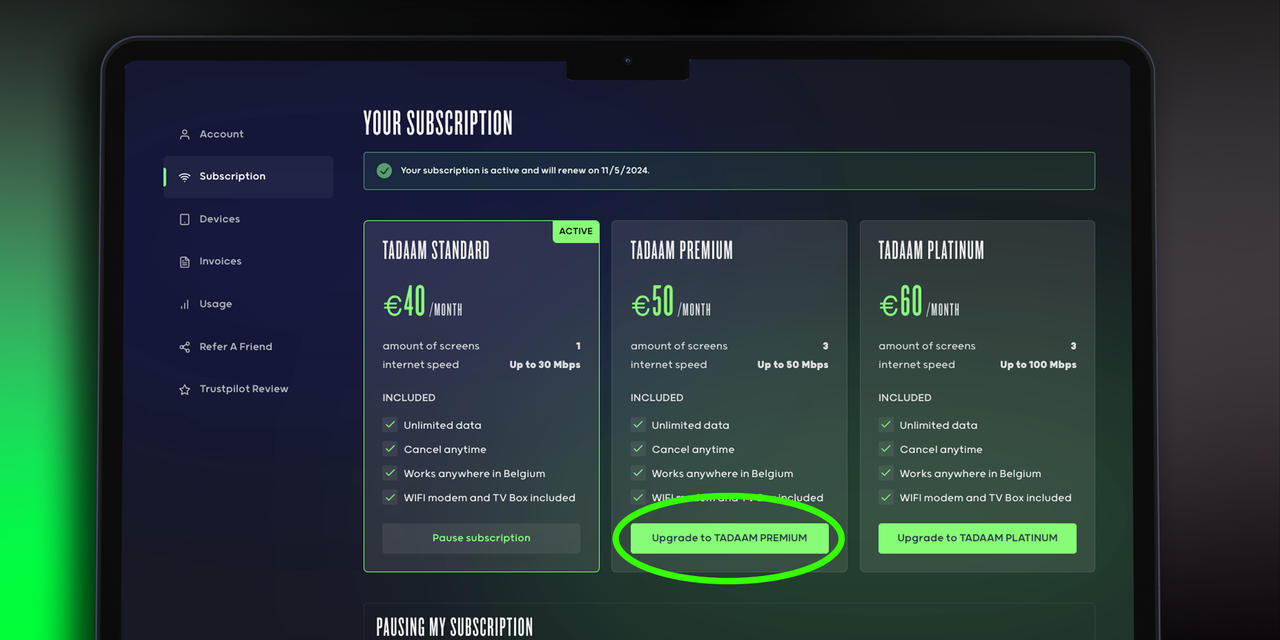
To update your subscription, go to
MyTADAAM. On the ‘subscription’ page, you can view all available subscription plans. Simply choose to which subscription you want to upgrade or downgrade. You can also upgrade or downgrade in the MyTADAAM app > Products.